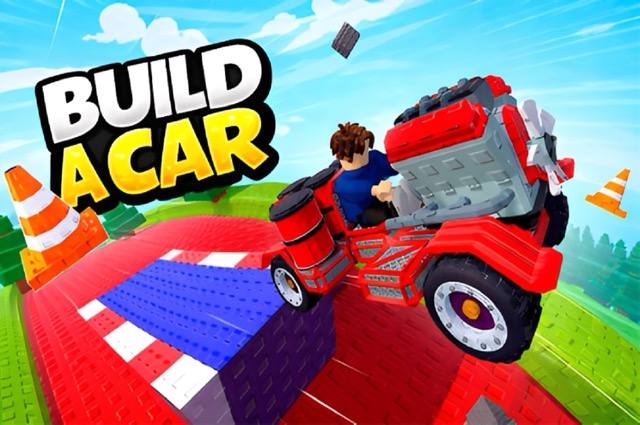
Start with a low, wide structure — height without a wide wheelbase is a common cause of early flips.
Don't overload your first build with engines; match power to a reasonably sized fuel tank first.
Test frequently in small increments rather than building a complex design all at once.
Build a Car
Play Build a Car online free at racing-limits.io. Build a Car is a physics sandbox where the fun isn't just driving — it's designing the vehicle you drive.
Buy basic parts like wheels and engines from the shop.
Assemble a simple structure that can move without collapsing.
Balance engine power with fuel capacity so your vehicle doesn't run out mid-run.
Launch your vehicle and observe how it performs across the terrain.
Return to the workshop, adjust your design, and try again.
Basic Controls:
Action
Key/Input
Drive/Move
WASD / Arrow Keys
Jump
Spacebar
Start Vehicle Run
Enter
Interact with Objects
E
Pick Up Items
F
Adjust Camera
Hold Right Mouse Button
Zoom Camera
Mouse Wheel
Switch Inventory Items
Number Keys
Delete Parts Mode
X
Objective: Design and build a vehicle capable of traveling as far as possible across increasingly tough terrain. Success comes from balancing structural stability, engine power, and fuel efficiency rather than simply adding more parts.
Build a Car Game Overview
Build a Car is a physics sandbox where the fun isn't just driving — it's designing the vehicle you drive. You start with a pile of basic parts: wheels, blocks, engines, fuel tanks, and start piecing together something that, ideally, moves forward without immediately falling apart. Then you launch it onto rough terrain and watch, often with a mix of pride and dread, whether your creation holds together or tips over at the first bump.
The appeal here is the loop of iteration. Every test run reveals a flaw — maybe the frame is top-heavy, maybe there's too much engine power without enough fuel capacity, maybe the wheels aren't positioned to keep the whole thing grounded. You take those lessons back to the workshop, adjust the design, and launch again. Over time your vehicles evolve from wobbly, barely-functional contraptions into genuinely capable machines that can handle tougher terrain and travel farther distances.
It's less about reflexes and more about problem-solving, which makes it a good fit for players who enjoy building and tinkering as much as they enjoy the driving itself. Currency earned from successful runs unlocks stronger parts, which opens the door to more ambitious builds. Whether you're chasing distance records or just trying to build something that doesn't flip on the first hill, Build a Car rewards patience and experimentation over quick reflexes.
Key Details:
Genre: Physics Sandbox / Vehicle Building
Difficulty Level: Medium (creative freedom, but physics can be punishing)
Average Play Time: 10–20 minutes per building-and-testing session
Best For: Players who enjoy creative building, tinkering, and physics-based experimentation
Build a Car Game Features & Highlights
Full creative sandbox for designing vehicles from individual parts
Realistic physics that punishes poor design and rewards balanced builds
Progressive terrain difficulty that tests vehicles under tougher conditions
Unlockable parts system tied to distance-based progression
Detailed camera and interaction controls for precise building
Build a Car Tips & Strategies
Beginner Tips:
Start with a low, wide structure — height without a wide wheelbase is a common cause of early flips.
Don't overload your first build with engines; match power to a reasonably sized fuel tank first.
Test frequently in small increments rather than building a complex design all at once.
Advanced Strategies:
Distribute weight toward the rear or center of the vehicle to reduce nose-diving on rough terrain.
Use multiple smaller engines instead of one oversized engine for more balanced acceleration and control.
Save part deletion mode (X) for quick redesigns mid-session rather than rebuilding from scratch each time.
What to Watch Out For:
Running out of fuel mid-run because engine power was prioritized without matching fuel capacity.
Poor block arrangement that looks stable at rest but flips the moment the vehicle starts moving — always test on an incline, not just flat ground.
Build a Car Game Elements Explained
Structural Stability System: How you arrange blocks, wheels, and weight determines whether your vehicle survives contact with rough terrain or flips at the first bump. Stability isn't just about symmetry — a wider wheelbase generally resists tipping better than a narrow, tall design, and keeping the center of mass low and centered helps absorb impacts from jumps or uneven ground. This system is the core skill of Build a Car: players who master it can create smaller, lighter vehicles that outperform bulkier designs simply because they don't waste energy recovering from wobbles and near-flips. Testing on an incline rather than flat ground is the fastest way to expose stability flaws before committing to a full terrain run.
Power and Fuel Balance: Engines provide the forward force that gets your vehicle moving, but every engine draws from a fuel tank that depletes over the course of a run. Adding engines without correspondingly increasing fuel capacity is one of the most common early-game mistakes — a vehicle with strong acceleration but empty tanks halfway through the terrain will simply stall. The balance point shifts depending on your goal: shorter, high-speed runs can favor more engine power with less fuel investment, while long-distance attempts need a fuel-heavy design that sacrifices some acceleration for staying power.
Build a Car Frequently Asked Questions
Q: How do I attach parts to my vehicle? A: Use the E key to interact with placed objects and the number keys to switch between inventory items, then place parts by selecting them from your inventory while in build mode.
Q: What should I do if my vehicle keeps flipping over? A: Widen your wheelbase and lower your vehicle's center of mass. Test on an inclined surface first — flips that only show up on rough terrain usually trace back to a structure that's too narrow or top-heavy.
Q: Is this game compatible with mobile devices? A: The game's detailed building controls, including camera adjustment and part deletion, are designed for keyboard and mouse, so desktop play is strongly recommended over mobile.
Q: Can I save my progress? A: Unlocked parts and currency are generally saved in your browser between sessions, allowing you to continue building on previous designs.
Q: How do I unlock stronger parts? A: Complete distance-based runs to earn currency, then spend it in the parts shop to access stronger engines, wheels, and structural components.
Related Games Like Build a Car You Might Enjoy
If you like Build a Car, you might also enjoy:
The Race - It shares the same quick-to-learn arcade driving rhythm and replayable challenges.
Shift to Drift - It shares the same quick-to-learn arcade driving rhythm and replayable challenges.
Crazy Taxi - It shares the same quick-to-learn arcade driving rhythm and replayable challenges.

 Drift Frenzy
 Drift Rush
 Arcade Glide
 Track Dash
 Retro Rush
 Escape Road 3
 Wave Rider
 Traffic Road
 Escape Road City 2
 Bike Xtreme
 Escape Road 2
 Traffic Rally
 Tap Drift
 Drive Mad
 Wheelie Master
 Wheelie Party
 Moto X3M
 Street Wheelie
 Car Chaos
 Escape Drive
 Blocky Rider
 Mad Pursuit
 Mad Racers
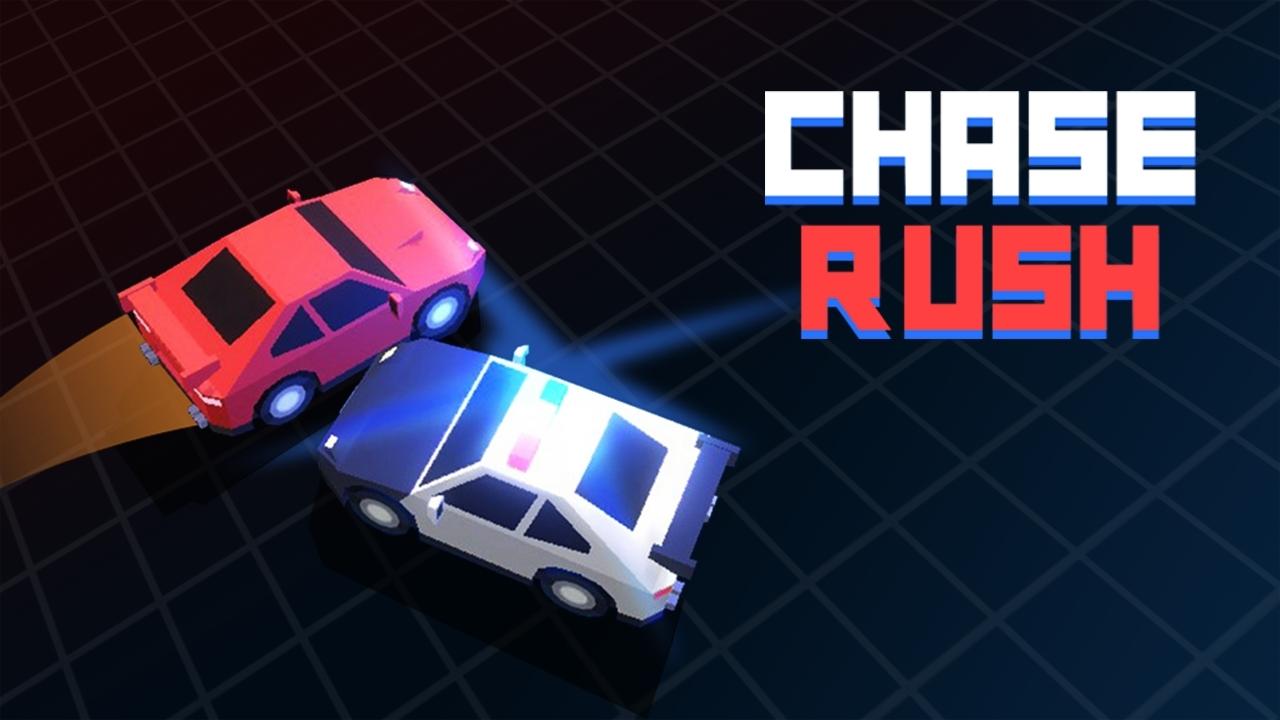 Chase Rush
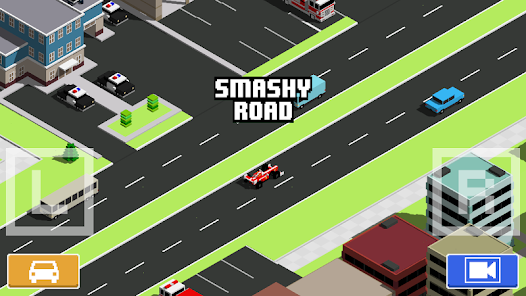 Smashy Road
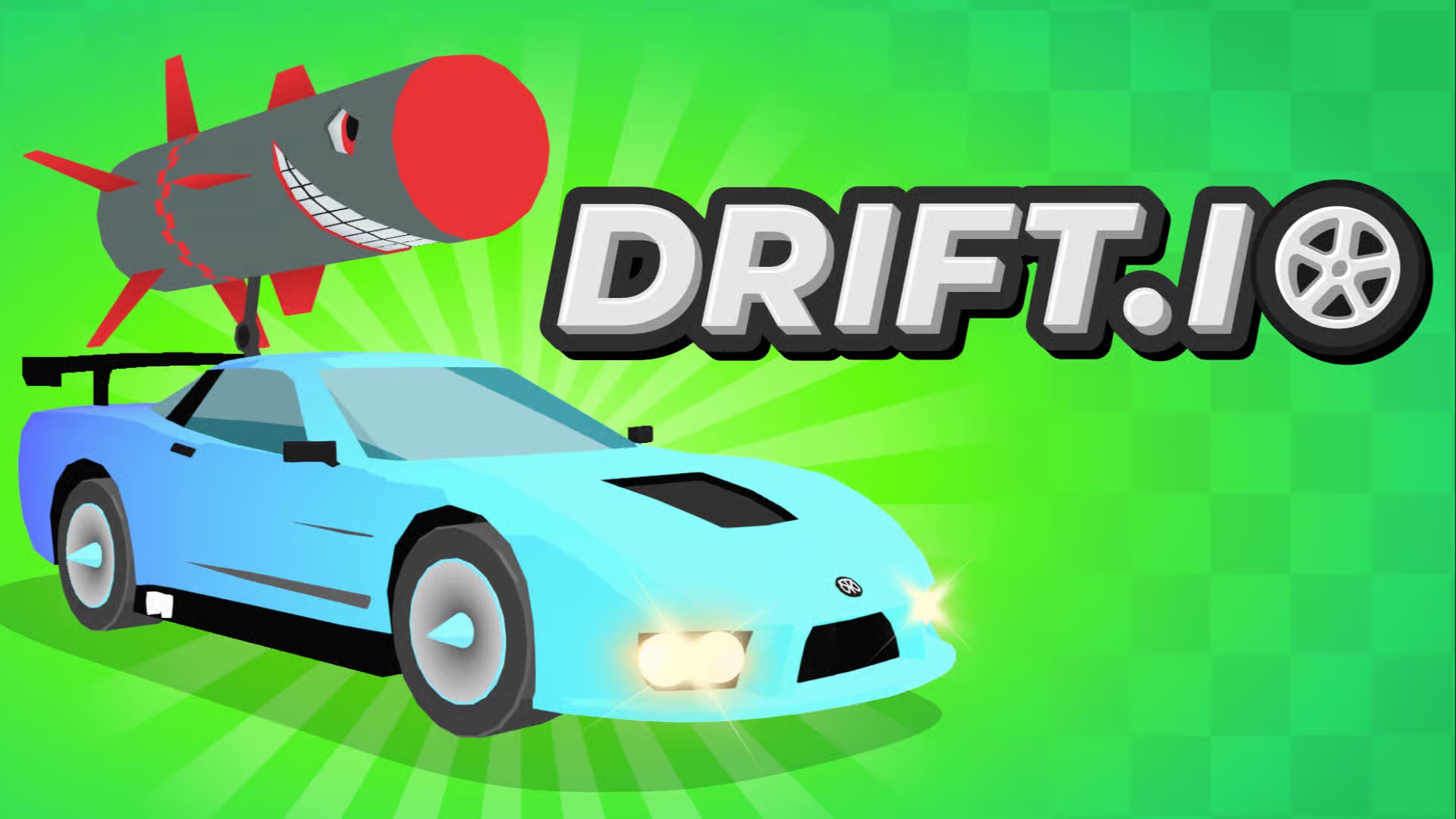 Driftio
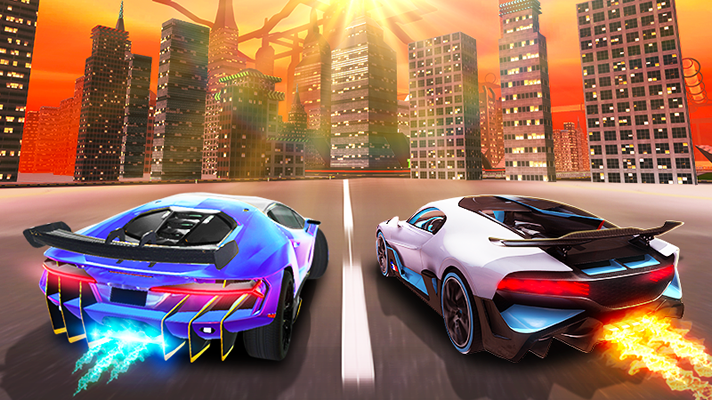 Night City Racing
 Hill Climb Racing
 Drift Hunters
 Smash Karts
 GT Cars Mega Ramps
 Motorcycle Racer Road Mayhem
 Funny Mad Racing