Try all three modes early — each mode plays fundamentally differently, and discovering which one suits your style is the fastest way to start having fun with the game.
In Face to Face , don't try to avoid all contact — collisions are part of the game's design. Focus on landing hits that redirect rivals rather than absorbing hits that slow you down.
In Mega Ramps , keep your eyes scanning well ahead of your car — obstacles like rolling balls move toward you and require reaction time that only forward vision provides.
GT Cars Mega Ramps
Play GT Cars Mega Ramps online free at racing-limits.io. Jump into instant browser gameplay with no downloads.
GT Cars Mega Ramps is a multi-mode racing game that refuses to stick to one identity — and that's exactly what makes it worth playing. Across three distinct game modes, it shifts from collision-heavy head-to-head combat racing, to a block-smashing track-clearing adventure, to a full obstacle-gauntlet where rolling balls, tunnels, and flying objects stand between you and the finish line. Each mode feels like a different game living under the same roof, giving GT Cars Mega Ramps a breadth of variety that few browser racing titles can match.
The through-line across all three modes is an emphasis on physical, contact-positive racing. This isn't a game that punishes you for hitting things — it often rewards it. In Face to Face mode, aggressive ramming is part of the competitive vocabulary. In Color Land, smashing blocks out of your way is the primary mechanic. Even in Mega Ramps, where obstacles are more about survival than combat, the willingness to push through rather than slow down separates finishers from casualties.
GT Cars Mega Ramps also offers a personal style layer through its car color customization system. While it doesn't go as deep as engine tuning, the ability to independently set colors for your car's cover, windows, steering wheel, and lights gives you meaningful ownership over how your vehicle looks on track. One and two-player modes are both supported, making it equally suited to solo play or a side-by-side competition with a friend. For players who want variety, contact-encouraged racing, and low barrier-to-entry fun, GT Cars Mega Ramps delivers across the board.
Key Details:
Genre:
Multi-Mode Arcade Racing
Difficulty Level:
Easy–Medium
Average Play Time:
5–15 minutes per session
Best For:
Casual players and pairs looking for varied race modes with accessible, contact-friendly gameplay
How to Play GT Cars Mega Ramps?
Getting Started:
Choose your game mode from the main menu — Face to Face, Color Land, or Mega Ramps.
Select and customize your car's color scheme before entering the track.
Use WASD or Arrow Keys to accelerate, steer, and brake through each mode's specific challenges.
Press C to cycle through camera angles and find the view that gives you the best track visibility for your chosen mode.
In Face to Face, engage rivals with contact; in Color Land, smash block piles directly; in Mega Ramps, navigate obstacles and push through to the finish.
Basic Controls:
Key
Action
W / Up Arrow
Accelerate
S / Down Arrow
Brake / Reverse
A / Left Arrow
Steer Left
D / Right Arrow
Steer Right
C
Change Camera Angle
Objective: Reach the finish line first across each mode's unique challenge — through direct combat in Face to Face, block-clearing in Color Land, or obstacle survival in Mega Ramps. Two-player mode lets a second player compete on the same keyboard simultaneously.
GT Cars Mega Ramps Game Features & Highlights
Three distinct game modes — Face to Face combat racing, Color Land block smashing, and Mega Ramps obstacle gauntlet
Car color customization — independently adjust the color of your car's cover, windows, steering wheel, and lights
1 and 2 player support — play solo or compete head-to-head with a friend on the same keyboard
Contact-positive racing — collisions are a tool, not a penalty, across all three modes
Multiple camera angles — toggle views with the C key for optimal track awareness in any mode
GT Cars Mega Ramps Tips & Strategies
Beginner Tips:
Try all three modes early — each mode plays fundamentally differently, and discovering which one suits your style is the fastest way to start having fun with the game.
In Face to Face, don't try to avoid all contact — collisions are part of the game's design. Focus on landing hits that redirect rivals rather than absorbing hits that slow you down.
In Mega Ramps, keep your eyes scanning well ahead of your car — obstacles like rolling balls move toward you and require reaction time that only forward vision provides.
Advanced Strategies:
In Color Land, target block piles that are directly on the racing line rather than detouring to smash peripheral piles — the fastest path through the color world follows a line of destruction, not a clean route around it.
Camera angle selection matters per mode: a lower, hood-close view helps with precision obstacle navigation in Mega Ramps; a higher, wider view gives better situational awareness in Face to Face.
In two-player mode, coordinate on shared obstacles — one player can take the hit that clears a path for the other, a legitimate team tactic even in competitive play.
What to Watch Out For:
Obstacles in Mega Ramps arrive from multiple directions simultaneously — tunnels, rolling balls, and flying objects don't queue politely. Slow down before committed sections to get a read on what's coming from which angle.
Collisions that stop you completely in Face to Face are significantly worse than glancing blows — a full-stop impact with a wall or rival while at speed costs far more time than a redirecting side contact.
GT Cars Mega Ramps Game Elements Explained
Face to Face Mode: Face to Face is GT Cars Mega Ramps' most straightforwardly competitive mode — a direct head-to-head (or multi-car) race on a closed circuit where contact is not only permitted but strategically valuable. The track features obstacles and rival vehicles that can be used as weapons or hazards depending on your position relative to them. Successful Face to Face racing requires a recalibrated mindset from clean-racing games: every other car on the track is a potential tool as much as a threat. A well-timed ram into a rival's rear quarter can redirect them into a wall while maintaining your own momentum. The most important skill is distinguishing between contacts that benefit you (redirecting rivals, clearing your racing line) and contacts that hurt you (head-on collisions, wall impacts) — the former is part of the game's core loop, the latter ends races prematurely.
Color Land Mode: Color Land is the most visually distinctive of the three modes, replacing the racing track's familiar asphalt with a vibrant world of colored blocks. The track and its obstacles are all block constructions — and the core mechanic is that you smash through them. Piles of blocks blocking the racing line are not hazards to navigate around but targets to drive through directly, with each impact clearing a path forward. This gives Color Land a uniquely satisfying sensory loop: the combination of visual block destruction and continued forward momentum creates a driving experience that feels genuinely distinct from any conventional racing mode. The strategic layer involves identifying which block formations are directly on the fastest line to the finish and prioritizing those collisions over peripheral smashing that wastes time without advancing your position.
Mega Ramps Mode: Mega Ramps is GT Cars Mega Ramps' most demanding mode and the one that gives the game its name. The track is an extended obstacle gauntlet populated with hazards that span multiple categories: rolling balls that move toward the player and must be dodged or jumped; block formations similar to Color Land but in a more perilous high-speed context; flying objects that cross the track at variable heights; and tunnels that constrain your lateral movement at key moments. Navigating Mega Ramps successfully requires the widest forward scanning window of any mode — obstacles appear from multiple angles and with varying speeds, meaning a driver focused only on what's immediately ahead will consistently be caught by hazards arriving from unexpected directions. Controlled speed — fast enough to maintain momentum, slow enough to react — is the key discipline.
GT Cars Mega Ramps Frequently Asked Questions
Q: How do I switch between game modes? A: Return to the main menu and select your desired mode — Face to Face, Color Land, or Mega Ramps — from the mode selection screen before starting a race.
Q: What should I do if I keep getting stopped by obstacles in Mega Ramps? A: Slow down slightly before dense obstacle sections and increase your forward scan distance — look further ahead than feels natural. Rolling balls and flying objects require reaction time that only early identification provides. Reducing speed by a fraction dramatically increases your reaction window.
Q: How does two-player mode work? A: In two-player mode, both players share the same keyboard. Player 1 uses WASD and Player 2 uses the Arrow Keys. Select two-player mode from the game menu before entering a race.
Q: Is GT Cars Mega Ramps compatible with mobile devices? A: GT Cars Mega Ramps uses keyboard controls (WASD and Arrow Keys), making it best suited for desktop and laptop browsers. Mobile play requires a connected external keyboard for the full control experience.
Q: Can I save my car color customization? A: Car color settings are typically retained within the current session. Check the game's settings or garage screen for any persistent save options tied to your browser's local storage.
Related Games Like GT Cars Mega Ramps You Might Enjoy
If you like Gt Cars Mega Ramps, you might also enjoy:
Police Cars - It delivers a similar driving challenge with quick browser-based racing sessions.
Driftio - It delivers a similar driving challenge with quick browser-based racing sessions.
Night City Racing - It delivers a similar driving challenge with quick browser-based racing sessions.
 Drift Frenzy
 Drift Rush
 Arcade Glide
 Track Dash
 Retro Rush
 Escape Road 3
 Wave Rider
 Traffic Road
 Escape Road City 2
 Bike Xtreme
 Escape Road 2
 Traffic Rally
 Tap Drift
 Drive Mad
 Wheelie Master
 Wheelie Party
 Moto X3M
 Street Wheelie
 Car Chaos
 Escape Drive
 Blocky Rider
 Mad Pursuit
 Mad Racers
 Chase Rush
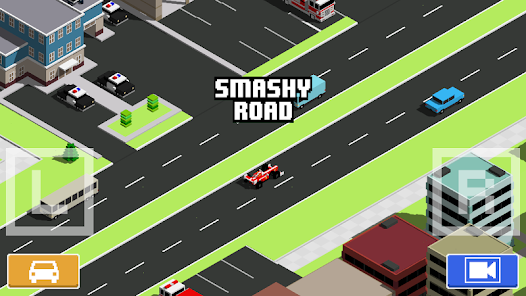 Smashy Road
 Driftio
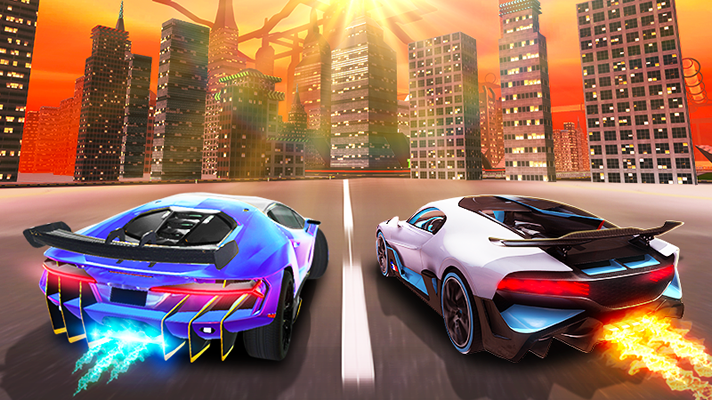 Night City Racing
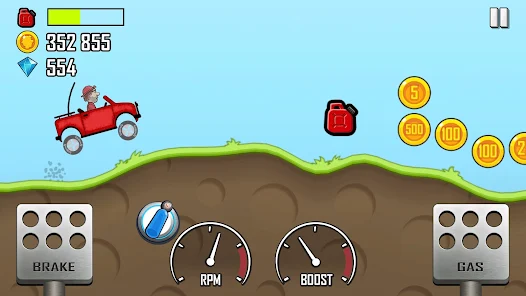 Hill Climb Racing
 Drift Hunters
 Smash Karts
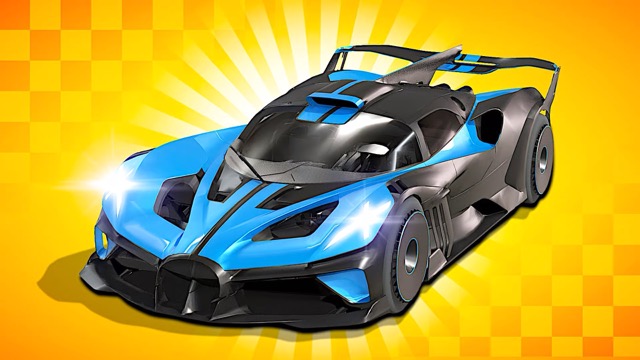 GT Cars Mega Ramps
 Motorcycle Racer Road Mayhem
 Funny Mad Racing