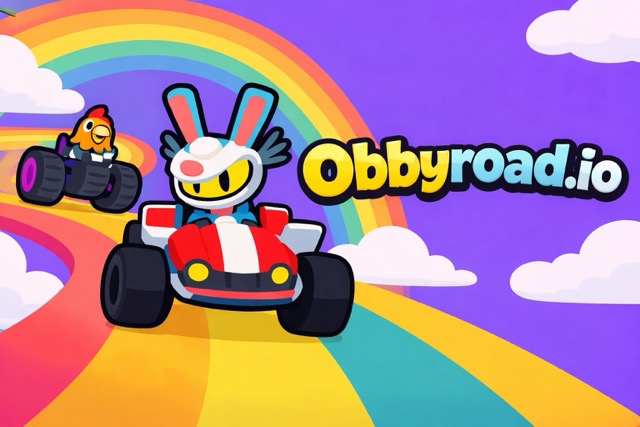
Start in Obby Mode to get comfortable with jump timing before moving to faster modes.
Choose a heavier vehicle at first — the added stability forgives small timing mistakes.
Watch a full obstacle cycle once before committing to a jump, especially on rotating traps.
Obbyroads.io
Play Obbyroads.io online free at racing-limits.io. Obbyroads.io blends racing with platforming in a way that feels genuinely different from a typical arcade driver.
Choose a game mode: Obby Mode, Race Mode, Campaign Mode, or Challenge Mode.
Select a vehicle — heavier for stability, lighter for sharper control.
Accelerate onto the floating track and begin reading the platform patterns ahead.
Use drifting and well-timed jumps to navigate rotating traps and moving blocks.
Reach the end of the track without falling off to complete the run.
Basic Controls:
Action
Key/Input
Accelerate
W / Up Arrow
Brake / Reverse
S / Down Arrow
Steer
A/D or Arrow Keys
Jump
Spacebar
Objective: Stay on the track longer than your rivals by balancing speed with precision. Success depends on predicting how each moving platform behaves before you commit to a line, since a single mistimed move can send your car straight into the void.
Obbyroads.io Game Overview
Obbyroads.io blends racing with platforming in a way that feels genuinely different from a typical arcade driver. Instead of solid asphalt, you're racing across floating tracks suspended in the void, where moving platforms and shifting traps mean the road itself is never something you can fully trust. One misjudged corner or mistimed jump sends your car plummeting off the edge, so every lap is as much about reading the track as it is about pushing speed.
The game leans into that tension with four distinct modes. Obby Mode focuses on balance-heavy paths with tricky jumps, Race Mode ramps up the speed with loops and ramps, Campaign Mode strings together themed worlds with rising hazards, and Challenge Mode puts competitive players head-to-head for leaderboard position. Across all of them, momentum and control matter just as much as raw speed — drifting through tight corners preserves your pace, while hidden shortcuts reward players bold enough to gamble on an unproven route.
Vehicle choice adds another layer of decision-making: heavier vehicles offer more stability on shifting platforms, while lighter ones give sharper, more responsive control for players who prefer precision over safety margins. Ghost rivals appear during runs too, showing faster lines and smarter routing choices without ever getting in your way. For players who like their racing games with a side of platforming tension, Obbyroads.io delivers a genuinely fresh format.
Key Details:
Genre: Racing / Platformer Hybrid
Difficulty Level: Medium to Hard (varies by mode)
Average Play Time: 5–15 minutes per session
Best For: Players who enjoy precision-based racing with platforming risk
Obbyroads.io Game Features & Highlights
Four distinct modes — Obby, Race, Campaign, and Challenge — each with a different pacing and focus
Physics-driven platforming layered onto traditional racing mechanics
Rotating traps and moving blocks that force constant reading and adjustment
Multiple vehicles with stability-versus-agility tradeoffs
Ghost rivals that reveal faster lines without direct competition pressure
Obbyroads.io Tips & Strategies
Beginner Tips:
Start in Obby Mode to get comfortable with jump timing before moving to faster modes.
Choose a heavier vehicle at first — the added stability forgives small timing mistakes.
Watch a full obstacle cycle once before committing to a jump, especially on rotating traps.
Advanced Strategies:
Study ghost rivals closely; their routing often reveals shortcuts that aren't obvious on a first pass.
Time drifts to maintain momentum through sharp corners rather than braking, which costs more time than it saves.
Switch to a lighter vehicle once you're confident reading platform timing, since agility becomes more valuable than raw stability at higher skill levels.
What to Watch Out For:
Overcommitting to shortcuts before you've confirmed the timing — a failed shortcut usually costs more than the safe route would have.
Ignoring vehicle weight tradeoffs; a car mismatched to your playstyle will consistently cost you runs regardless of skill.
Obbyroads.io Game Elements Explained
Track Modes: Obbyroads.io's four modes each ask something different of the player. Obby Mode strips racing back to balance and precision, with tricky jumps that punish careless steering more than slow speed. Race Mode flips that emphasis, adding loops and ramps that reward players who can maintain speed through technical sections. Campaign Mode strings multiple themed worlds together with rising hazard difficulty, functioning as a long-form progression track for players who want a structured challenge. Challenge Mode is built for competition, focusing on leaderboard climbing rather than casual play. Picking the right mode for your current skill level matters — jumping straight into Challenge Mode without Obby or Race experience tends to be frustrating rather than fun.
Ghost Rivals: As you play, ghost versions of other players' runs appear on the track, replaying their routes and timing in real time. These aren't obstacles or opponents in the traditional sense — they're a built-in coaching tool. Watching how a ghost handles a rotating trap or takes a shortcut can reveal a faster line than you'd find through trial and error alone. Because ghosts represent real completed runs, following one closely (without directly copying every move, since track conditions can shift) is one of the fastest ways to improve lap times and discover routes you might otherwise miss entirely.
Obbyroads.io Frequently Asked Questions
Q: How do I switch between game modes? A: Select your mode — Obby, Race, Campaign, or Challenge — from the mode selection screen before starting a run.
Q: What should I do if I keep falling off the track? A: Slow down and watch a full cycle of the obstacle pattern before attempting a jump. Falling usually comes from committing to a jump before confirming the platform's timing.
Q: Is this game compatible with mobile devices? A: Yes, Obbyroads.io runs on desktop, tablet, and mobile browsers, though desktop keyboard controls typically offer more precise steering and jump timing.
Q: Can I save my progress? A: Campaign Mode progress and vehicle unlocks are generally saved locally in your browser between sessions.
Q: How do I unlock new vehicles? A: Vehicle options typically become available through Campaign Mode progression or in-game currency earned from completed runs.
Related Games Like Obbyroads.io You Might Enjoy
If you like Obbyroads.io, you might also enjoy:
Obby but You're on a Bike - It shares the same quick-to-learn arcade driving rhythm and replayable challenges.
Ramp Xtreme - It shares the same quick-to-learn arcade driving rhythm and replayable challenges.
Slippery Slope - It shares the same quick-to-learn arcade driving rhythm and replayable challenges.

 Drift Frenzy
 Drift Rush
 Arcade Glide
 Track Dash
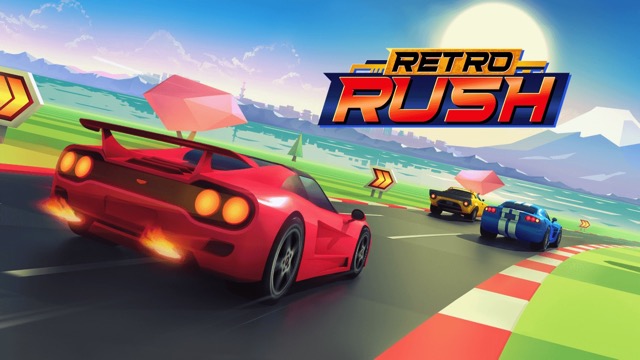 Retro Rush
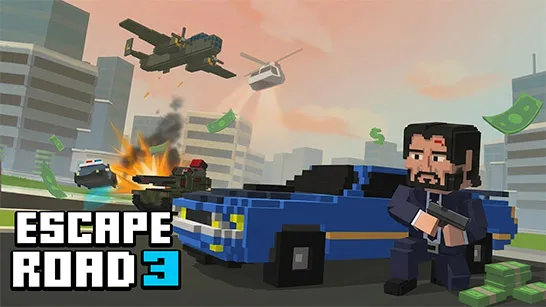 Escape Road 3
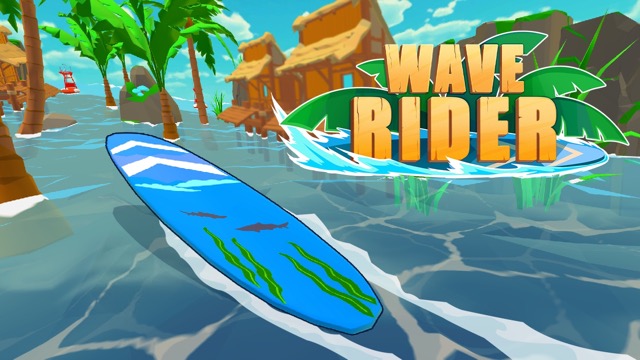 Wave Rider
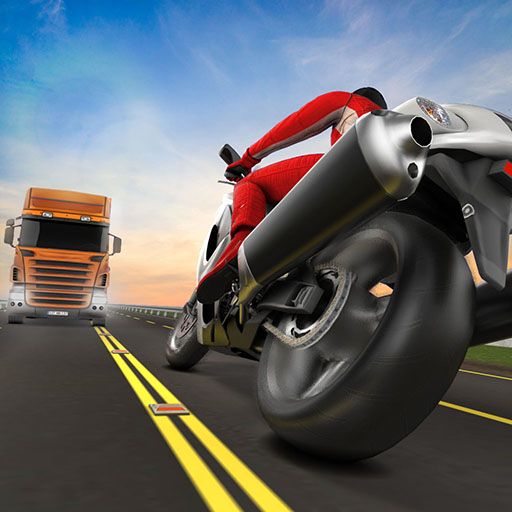 Traffic Road
 Escape Road City 2
 Bike Xtreme
 Escape Road 2
 Traffic Rally
 Tap Drift
 Drive Mad
 Wheelie Master
 Wheelie Party
 Moto X3M
 Street Wheelie
 Car Chaos
 Escape Drive
 Blocky Rider
 Mad Pursuit
 Mad Racers
 Chase Rush
 Smashy Road
 Driftio
 Night City Racing
 Hill Climb Racing
 Drift Hunters
 Smash Karts
 GT Cars Mega Ramps
 Motorcycle Racer Road Mayhem
 Funny Mad Racing