Start in Adventure mode to build up achievements and upgrades before attempting Multiplayer races.
Prioritize suspension and brake upgrades early if you're struggling with jump landings and tight corners.
Don't rush upgrade spending — match your upgrade choices to the specific challenges you're facing on current tracks.
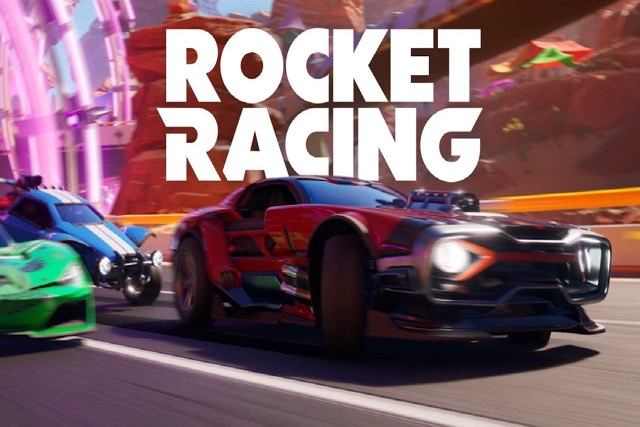
Rocket Racing
Play Rocket Racing online free at racing-limits.io. IP Disclosure: This browser title shares its name with Epic Games' Fortnite-based Rocket Racing mode.
IP Disclosure: This browser title shares its name with Epic Games' Fortnite-based Rocket Racing mode. This is an unofficial, browser-based game and is not affiliated with, endorsed by, or produced by Epic Games.
How to Play Rocket Racing?
Getting Started:
Choose Adventure mode for solo progression or Multiplayer for direct competition.
Accelerate through tracks, adjusting your line for jumps and terrain changes.
Complete races to earn achievements that unlock vehicle upgrades.
Apply upgrades to engine, suspension, brakes, or fuel to change your car's handling.
Replay tracks with upgraded vehicles or move on to tougher races and challenges.
Basic Controls:
Action
Key/Input
Accelerate
W / Up Arrow
Brake / Reverse
S / Down Arrow
Steer Left
A / Left Arrow
Steer Right
D / Right Arrow
Objective: Complete races as quickly and cleanly as possible, whether in solo Adventure mode or competitive Multiplayer. Achievements and strong finishes earn upgrades that meaningfully change vehicle handling, creating an ongoing loop of racing, upgrading, and tackling tougher challenges.
Rocket Racing Game Overview
Rocket Racing blends arcade racing chaos with genuine physics-based vehicle control, sending players through wild tracks packed with jumps, terrain changes, and collisions that actually affect handling. Whether you're working through Adventure mode solo or jumping into Multiplayer against other racers, every run leans hard into timing, reflexes, and the payoff of smart vehicle upgrades.
Adventure mode is where the progression system really shines. Completing races earns achievements that unlock meaningful upgrades — engine, suspension, brakes, and fuel enhancements that genuinely change how your car handles speed, balance, and airtime rather than just providing a cosmetic boost. Because vehicles react dynamically to terrain and collisions, an upgraded car doesn't just go faster — it responds differently to jumps and rough patches, which means replaying earlier tracks with a improved vehicle can feel like a meaningfully different experience.
Multiplayer shifts the focus toward direct competition, where consistency and tactical decision-making matter as much as raw speed. Victories and strong finishes feed back into the same upgrade system, so competitive success and vehicle progression reinforce each other over time. Choosing the right upgrade path has a real impact on how your car handles jumps, corners, and long straights, giving players genuine build decisions to make rather than a single obvious best option. For players who want their racing games to reward experimentation and upgrade planning alongside raw driving skill, Rocket Racing delivers that combination.
Key Details:
Genre: Arcade Racing / Physics-Based Vehicle Progression
Difficulty Level: Medium (Adventure) to Hard (competitive Multiplayer)
Average Play Time: 3–7 minutes per race
Best For: Racing fans who enjoy upgrade systems and both solo and competitive play
Rocket Racing Game Features & Highlights
Physics-driven races that create genuinely unpredictable racing moments
Deep upgrade system covering engine, suspension, brakes, and fuel tanks
Both Adventure (solo) and Multiplayer (competitive) modes for varied play styles
Tracks that encourage risky jumps and bold maneuvers over cautious driving
Vehicles that feel powerful yet remain satisfyingly responsive to control
Rocket Racing Tips & Strategies
Beginner Tips:
Start in Adventure mode to build up achievements and upgrades before attempting Multiplayer races.
Prioritize suspension and brake upgrades early if you're struggling with jump landings and tight corners.
Don't rush upgrade spending — match your upgrade choices to the specific challenges you're facing on current tracks.
Advanced Strategies:
Plan upgrade paths around specific track types — engine upgrades for straightaway-heavy tracks, suspension for jump-heavy ones.
Practice landing control on Adventure tracks before bringing an upgraded vehicle into competitive Multiplayer races.
Replay earlier Adventure tracks with upgraded vehicles to farm additional achievements more efficiently once your car handles better.
What to Watch Out For:
Over-investing in engine speed upgrades while neglecting suspension, leading to poor landing control on jump-heavy tracks.
Jumping into Multiplayer races before your vehicle has enough upgrades to be competitive against more progressed opponents.
Rocket Racing Game Elements Explained
Upgrade System: Rocket Racing's progression revolves around four upgrade categories — engine, suspension, brakes, and fuel — each affecting a different aspect of vehicle performance. Engine upgrades primarily boost acceleration and top speed, making them valuable on straightaway-heavy tracks. Suspension upgrades improve how your car handles jumps and rough terrain, which becomes increasingly important as tracks introduce more aggressive terrain changes. Brake upgrades sharpen cornering control, useful on technical tracks with tight turns, while fuel enhancements affect endurance across longer races. Because these upgrades genuinely change handling rather than just padding stats, choosing the right combination for your playstyle and the tracks you're facing is a real strategic decision, not just a matter of grinding for the biggest numbers.
Adventure and Multiplayer Progression Loop: Rocket Racing links its two main modes through a shared upgrade system, meaning progress in one mode benefits performance in the other. Adventure mode achievements provide a steady, lower-pressure way to earn upgrades, making it a good testing ground for new vehicle builds before risking them in competitive play. Multiplayer, in turn, rewards strong finishes with additional upgrades, creating a positive feedback loop for skilled competitive players. This structure means solo-focused and competitive-focused players both have a clear path to a stronger vehicle, even if they favor very different play styles.
Rocket Racing Frequently Asked Questions
Q: How do I unlock vehicle upgrades? A: Complete races in Adventure mode or achieve strong finishes in Multiplayer to earn achievements, which unlock upgrades for engine, suspension, brakes, and fuel.
Q: What should I do if my car keeps struggling on jumps? A: Prioritize suspension upgrades, which directly improve how your vehicle handles landings and terrain changes during jumps.
Q: Is this game compatible with mobile devices? A: Yes, Rocket Racing runs on desktop, tablet, and mobile browsers, though desktop keyboard controls typically offer more precise steering for technical sections.
Q: Can I save my progress? A: Achievements, upgrades, and race progress are generally saved in your browser between sessions.
Q: How do I choose the best upgrade path for my playstyle? A: Match your upgrades to your most common track types — engine for speed-focused straightaways, suspension for jump-heavy courses, and brakes for tight, technical corners.
Related Games Like Rocket Racing You Might Enjoy
If you like Rocket Racing, you might also enjoy:
Rocket League - It combines competitive sports energy with responsive vehicle control and short matches.
The Race - It shares the same quick-to-learn arcade driving rhythm and replayable challenges.
Kart Bros - It shares the same quick-to-learn arcade driving rhythm and replayable challenges.
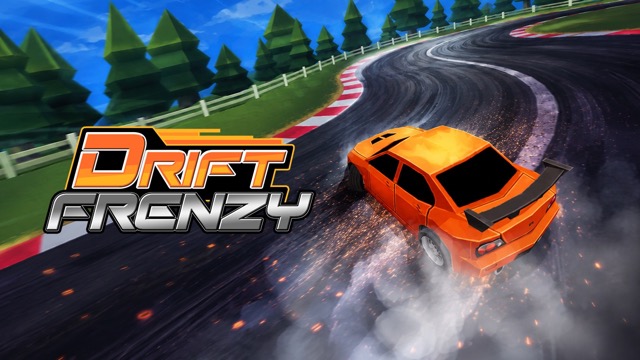 Drift Frenzy
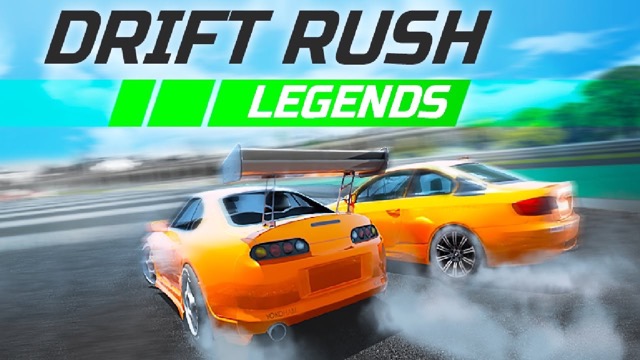 Drift Rush
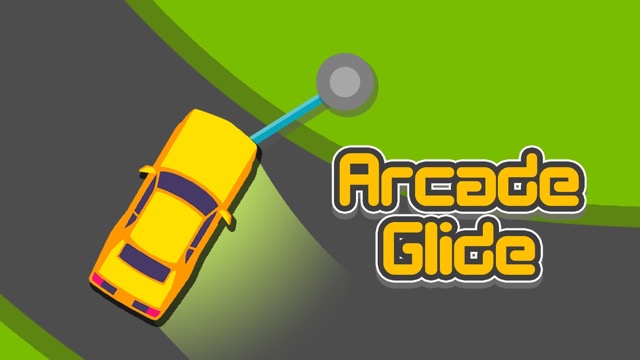 Arcade Glide
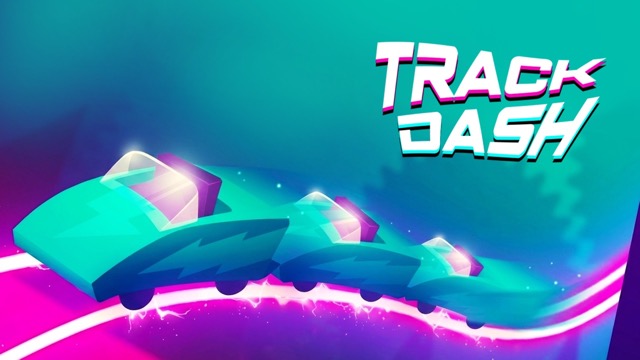 Track Dash
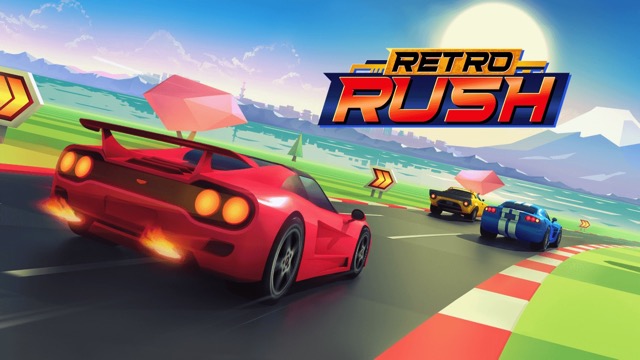 Retro Rush
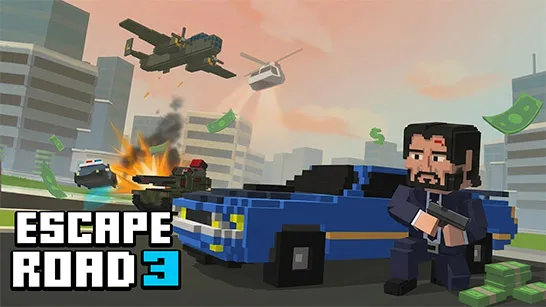 Escape Road 3
 Wave Rider
 Traffic Road
 Escape Road City 2
 Bike Xtreme
 Escape Road 2
 Traffic Rally
 Tap Drift
 Drive Mad
 Wheelie Master
 Wheelie Party
 Moto X3M
 Street Wheelie
 Car Chaos
 Escape Drive
 Blocky Rider
 Mad Pursuit
 Mad Racers
 Chase Rush
 Smashy Road
 Driftio
 Night City Racing
 Hill Climb Racing
 Drift Hunters
 Smash Karts
 GT Cars Mega Ramps
 Motorcycle Racer Road Mayhem
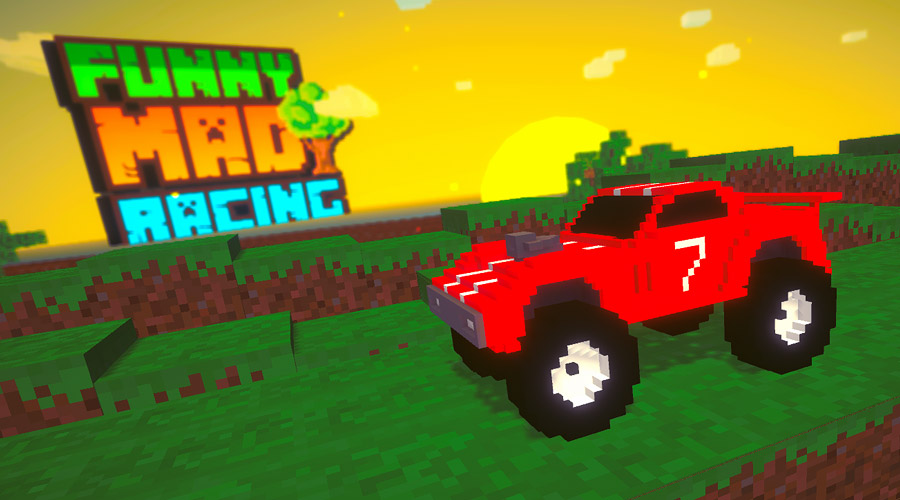 Funny Mad Racing