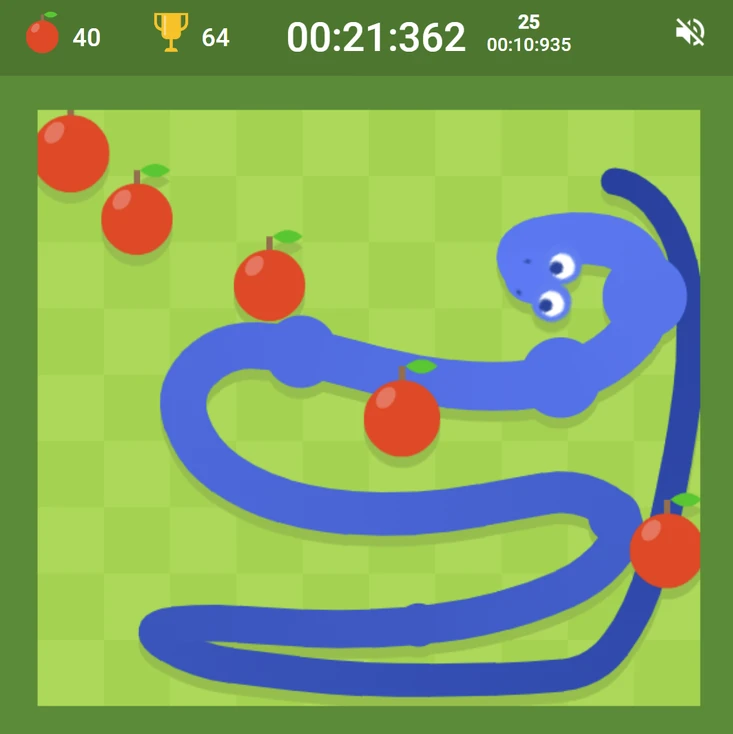
Don't rush toward apples — the snake moves at a consistent speed; the apple will still be there if you take an indirect route. Making the right move toward an apple is always better than making a fast move toward it that creates a difficult body configuration for subsequent apple collection.
Avoid following your own tail closely — following your tail around the lawn at close proximity feels safe but creates situations where the tail's endpoint cuts off your return path. Maintain space between your head and your tail wherever possible.
Favor the lawn's center over its edges — the center provides maximum turning room in all directions. Edge positions limit your available directions and create boundary proximity that makes recovery from directional mistakes more difficult.
Google Snake
Play Google Snake online free at racing-limits.io. Jump into instant browser gameplay with no downloads.
Google Snake is the digital incarnation of one of gaming's most fundamentally satisfying concepts: a snake that grows longer with each apple it eats, moving through a bounded space that becomes more constrained with every additional body segment. The game's premise has been reproduced thousands of times across every platform imaginable since its original Nokia phone popularity, and Google's version has reintroduced it to a new generation through the Easter egg hidden in Google Search. The browser game version preserves the complete experience with added customization options.
The game's increasing difficulty is entirely self-generated — no external enemies, no obstacle courses, no time pressure. The only threats are the boundaries of the lawn and the snake's own growing tail. In the opening minutes of a run, neither is particularly dangerous; the snake is short, the space feels vast, and apple collection is straightforward. As the run extends, the snake's growing length progressively consumes the available space, making each new apple a more complex navigation challenge than the last. At high snake lengths, the space available for movement can become genuinely tight, and the risk of cornering yourself — a situation where no move prevents a collision with your own tail — is real and requires planning to avoid.
The settings accessible through the left-click menu extend Google Snake beyond the classic format with visual style options, alternative snake types, and the Dice icon that generates random challenge configurations. These options give the game genuine replay variety for players who've mastered the standard format. Google Snake is a game that doesn't need introduction to most players but consistently delivers the specific satisfaction of its core loop every time it's played.
Key Details:
Genre:
Classic Arcade / Snake
Difficulty Level:
Easy start, Very Hard at high lengths
Average Play Time:
5–15 minutes per run
Best For:
All ages; a universally accessible game that rewards patience and spatial planning at high difficulty levels
How to Play Google Snake?
Getting Started:
Use WASD or Arrow Keys to control the snake's direction — the snake moves continuously in whichever direction was last input.
Navigate toward the apple that appears on the lawn and consume it by moving over it — the snake grows one segment longer with each apple.
A new apple appears immediately in a random position each time the previous one is eaten — continue collecting.
Avoid the lawn boundaries and your own body — contact with either ends the run.
Access Settings through left-click to explore visual styles, snake variants, and the Dice random challenge generator.
Basic Controls:
Key
Action
W / Up Arrow
Move Up
S / Down Arrow
Move Down
A / Left Arrow
Move Left
D / Right Arrow
Move Right
Left Click
Access Settings / Navigate menus
Objective: Grow the snake as long as possible by eating apples without colliding with the lawn boundaries or your own tail. Your score reflects how many apples have been eaten — maximize apple collection across the full run.
Google Snake Game Features & Highlights
Classic snake gameplay fully intact — the original Nokia-style snake experience in a clean, modern browser format
Self-generated difficulty — no external threats; difficulty increases organically as the snake's own length fills the available space
Settings menu with visual variety — multiple style options, snake types, and the Dice icon for random challenge generation
Immediate apple respawn — new apple appears instantly in a random location after each collection, maintaining continuous gameplay flow
Boundary and self-collision detection — clean, readable collision model with no ambiguous edge cases
Google Snake Tips & Strategies
Beginner Tips:
Don't rush toward apples — the snake moves at a consistent speed; the apple will still be there if you take an indirect route. Making the right move toward an apple is always better than making a fast move toward it that creates a difficult body configuration for subsequent apple collection.
Avoid following your own tail closely — following your tail around the lawn at close proximity feels safe but creates situations where the tail's endpoint cuts off your return path. Maintain space between your head and your tail wherever possible.
Favor the lawn's center over its edges — the center provides maximum turning room in all directions. Edge positions limit your available directions and create boundary proximity that makes recovery from directional mistakes more difficult.
Advanced Strategies:
Plan your movement in loops rather than direct paths — at long snake lengths, direct apple-chasing often creates self-blocking configurations. Moving in deliberate loops — a structured path that fills the lawn space systematically — keeps your body in predictable positions that don't corner your head.
Approach apples along your body's current direction — arriving at an apple in a way that continues your current movement direction rather than requiring an immediate sharp turn maintains more options for subsequent movement than sharp-angle apple approaches that commit you to a specific exit trajectory.
The corner-avoidance priority increases with length — at short lengths, any apple path is generally fine. At very long lengths, the primary priority shifts from "reach this apple" to "reach this apple in a way that doesn't corner myself for the next apple." The apple that's accessible is always less important than the position you'll be in after collecting it.
What to Watch Out For:
The boundary near-miss — moving parallel to a boundary feels safe but creates a situation where any wrong direction input sends you directly into the wall. Maintain at least one cell of buffer from boundaries wherever possible, especially at higher snake speeds.
Random apple placement in difficult positions — apples appear randomly, and some placements are significantly harder to reach safely than others. An apple placed in a tight corner with your body nearby may require a longer indirect approach that temporarily moves away from the apple rather than the most direct path to it. The indirect approach is always correct in these situations.
Google Snake Game Elements Explained
Self-Generating Difficulty System: Google Snake's difficulty system is unique among games for being entirely self-created by the player's success. The more apples you eat, the longer your snake becomes; the longer your snake becomes, the more of the available space it occupies; the more space it occupies, the fewer viable movement paths remain for reaching new apples without self-collision. This means that the game's difficulty curve follows the player's performance rather than a predetermined escalation schedule — a player who eats three apples faces minimal difficulty; a player who eats thirty faces a substantially constrained board. The game is essentially a puzzle that the player creates through their own progress: the challenge is navigating a space that your previous moves have systematically filled. This self-generation mechanic makes Google Snake one of the few games where being better at it genuinely makes it harder.
Boundary & Self-Collision System: Google Snake defines two distinct death conditions that require different forms of anticipatory planning. Boundary collision — moving off the edge of the lawn — requires awareness of the snake's distance from each lawn edge and the ability to change direction before reaching it. This is the more forgiving of the two conditions because the boundary is fixed and always visible. Self-collision — the snake's head contacting any body segment — requires much more complex anticipatory thinking because the "obstacle" the head must avoid is the rest of the snake itself, which changes configuration with every movement. At short lengths, self-collision risk is negligible; at long lengths, it becomes the primary difficulty driver because the snake's body occupies a significant portion of the available space, and moving in any direction carries the risk of the head's path intersecting a body segment.
Settings & Customization System: The settings accessible through the left-click menu extend Google Snake's base format with options that change how the game feels without altering the core rules. Visual style options range from the classic minimalist look to more elaborate aesthetic presentations. Snake variant options may alter the snake's visual appearance or introduce slight movement variations. The Dice icon generates random challenge configurations — specific apple or obstacle arrangements that present non-standard situations outside the base random-placement format. These options give the game meaningful replay variety for players who have mastered the standard format and want fresh challenges within the familiar Snake framework.
Google Snake Frequently Asked Questions
Q: How do I control the snake in Google Snake? A: Use WASD or the Arrow Keys to change the snake's movement direction. The snake moves continuously in the last-inputted direction at a consistent speed — you don't need to hold the key, just press it to change direction.
Q: What kills the snake in Google Snake? A: Two conditions end the run: hitting the lawn boundary (moving off the edge of the playing field) and hitting your own body (the snake's head contacting any segment of its own tail). Both are instant-end conditions with no recovery.
Q: Is Google Snake compatible with mobile devices? A: Google Snake uses keyboard controls (WASD/arrow keys) and is best suited for desktop and laptop browsers. Mobile play requires a connected external keyboard, or check the settings for any touch-swipe control option in the browser version.
Q: What does the Dice icon in settings do? A: The Dice icon in the Google Snake settings generates random challenge configurations — specific pre-set or procedurally generated scenarios that differ from the standard random apple placement format. Use it to experience variations on the classic format after mastering the base game.
Q: Does the game get harder the longer you survive? A: Yes — the snake grows longer with each apple consumed, and that increased length progressively fills the available lawn space. The difficulty increases organically from your own success: more length means more of the board is occupied by your own body, creating more self-collision risk and more complex navigation requirements for each subsequent apple.
Related Games Like Google Snake You Might Enjoy
If you like Google Snake, you might also enjoy:
Black Holeio - It is another easy-to-start browser game with strong replay value.
Wormateio - It is another easy-to-start browser game with strong replay value.
Roshambo - It is another easy-to-start browser game with strong replay value.

 Drift Frenzy
 Drift Rush
 Arcade Glide
 Track Dash
 Retro Rush
 Escape Road 3
 Wave Rider
 Traffic Road
 Escape Road City 2
 Bike Xtreme
 Escape Road 2
 Traffic Rally
 Tap Drift
 Drive Mad
 Wheelie Master
 Wheelie Party
 Moto X3M
 Street Wheelie
 Car Chaos
 Escape Drive
 Blocky Rider
 Mad Pursuit
 Mad Racers
 Chase Rush
 Smashy Road
 Driftio
 Night City Racing
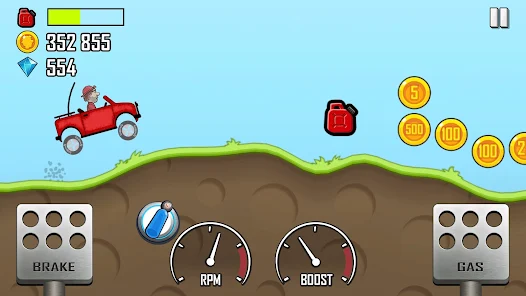 Hill Climb Racing
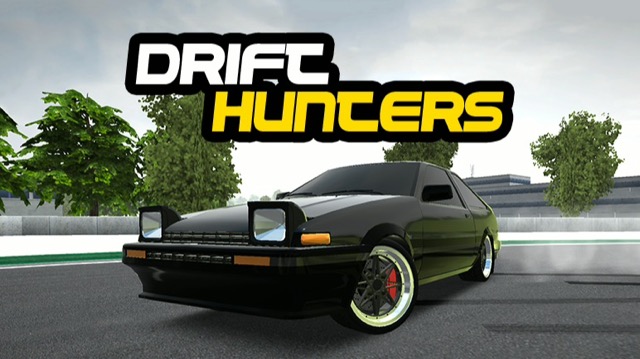 Drift Hunters
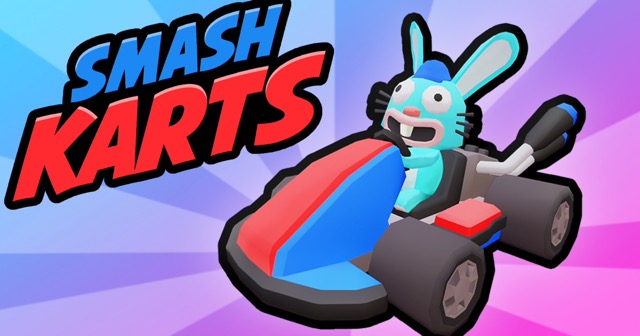 Smash Karts
 GT Cars Mega Ramps
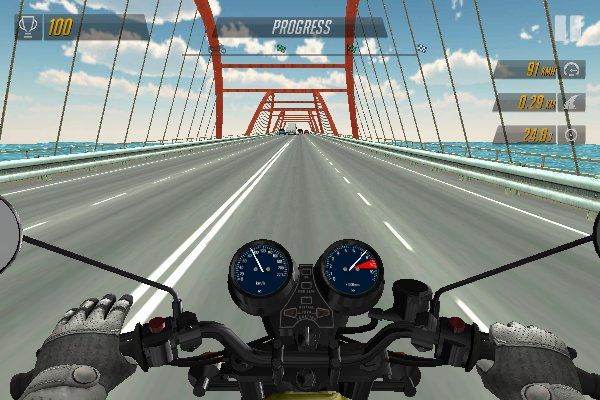 Motorcycle Racer Road Mayhem
 Funny Mad Racing