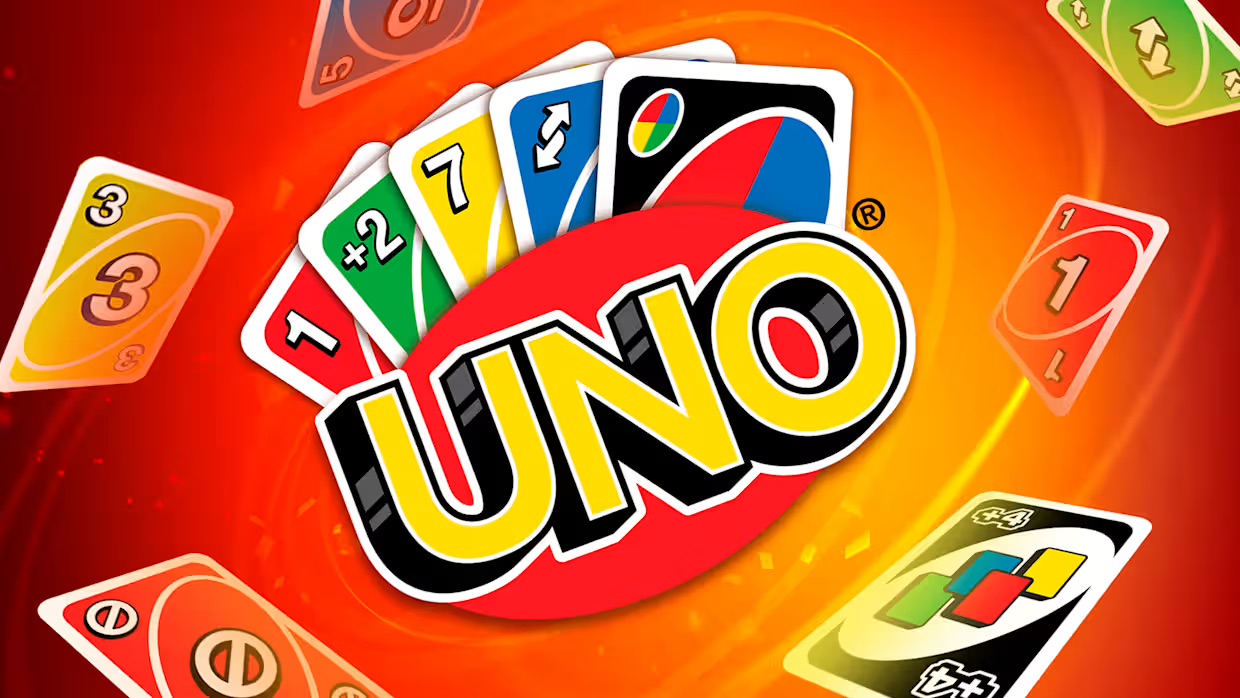
Draw Button: Draw a card when no playable card exists
UNO Button: Declare UNO with one card remaining
High Score Tips
Don't hold Wild Draw Four for too long — Wild Draw Four is the most powerful disruptive card in Uno, but holding it until the perfect moment means holding a card you could have played to advance your hand. Play it when an opponent has two or fewer cards and you need to stop them — that's the highest value deployment.
Match color before number when possible — matching by color preserves more hand flexibility than matching by number, since colors appear more frequently. A red 7 can be followed by any red card; matching to a 7 restricts the next player to only other 7s or the matching color of whatever 7 you played.
Press UNO the moment your second-to-last card is played — don't wait for the animation to complete or the turn to process. The UNO declaration window is tighter than it feels; declaring immediately when you play your penultimate card is safer than waiting.
Uno Online
Play Uno Online online free at racing-limits.io. Jump into instant browser gameplay with no downloads.
Uno Online brings the world's most recognized card game to your browser in a clean, immediately accessible digital format that preserves everything that makes Uno compelling: the tension of watching your hand empty, the risk of holding special cards too long, and the particular satisfaction of playing a Wild Draw Four at exactly the right moment. Whether you're playing against AI opponents, challenging real players, or competing in a group of up to four, the core experience is the familiar Uno everyone knows — with the convenience of never needing a physical deck.
The special cards are where Uno's strategic depth lives, and the digital format makes their deployment more consequential than casual physical play often allows. A Skip that prevents an opponent with two cards from winning. A Reverse that turns an opponent's offensive turn into a defensive one. A Draw Two layered onto another Draw Two to double the damage. A Wild Draw Four held until the exact moment it creates the most decisive swing. These decisions — when to play a special card versus when to hold it in reserve — are the strategic micro-choices that separate Uno players who react to their hand from those who manage the game's flow.
The UNO declaration mechanic adds a pressure element unique to the digital format's real-time monitoring: you must press UNO when you have exactly one card remaining, or face a penalty draw if you're caught without declaring. This transforms the final moments of a close hand into a simultaneous performance — playing the winning card, declaring UNO before an opponent catches the oversight, and watching the remaining players scramble to prevent your victory with whatever special cards they've been holding in reserve for exactly this moment.
Key Details:
Genre:
Card Game / Strategy
Difficulty Level:
Easy–Medium
Average Play Time:
10–20 minutes per game
Best For:
All ages; Uno fans, casual card game players, and groups looking for a quick competitive game in solo or local multiplayer formats
How to Play Uno Online?
Getting Started:
Each player starts with 7 cards — your hand is displayed in your area of the screen.
Match the color or number of the top card on the discard pile to play a card from your hand — click or tap the card you want to play.
If you have no playable card, click Draw to take one from the deck — if it's playable, you can play it immediately.
Use special cards (Skip, Reverse, Draw Two, Wild, Wild Draw Four) strategically — their timing is as important as their content.
When you have one card remaining, press UNO immediately — failure to declare before an opponent catches it results in a penalty draw.
Basic Controls:
Input
Action
Mouse Click / Touch
Select and play cards
Draw Button
Draw a card when no playable card exists
UNO Button
Declare UNO with one card remaining
Objective: Be the first player to play all cards from your hand. Match the discard pile's color or number on each turn, use special cards to disrupt opponents, and declare UNO when you have one card left. The player who empties their hand first wins — opponents' remaining cards count as penalty points.
Uno Online Game Features & Highlights
Full Uno rule implementation — Skip, Reverse, Draw Two, Wild, and Wild Draw Four all function according to standard Uno regulations
2–4 player support — play against AI opponents, real players, or combinations of both
UNO declaration mechanic — real-time declaration requirement with penalty for missed declarations
Penalty point scoring — opponents' remaining cards count as penalty points for the winner, providing a running score across multiple games
Touch and mouse compatible — fully functional on both PC and touchscreen devices
Uno Online Tips & Strategies
Beginner Tips:
Don't hold Wild Draw Four for too long — Wild Draw Four is the most powerful disruptive card in Uno, but holding it until the perfect moment means holding a card you could have played to advance your hand. Play it when an opponent has two or fewer cards and you need to stop them — that's the highest value deployment.
Match color before number when possible — matching by color preserves more hand flexibility than matching by number, since colors appear more frequently. A red 7 can be followed by any red card; matching to a 7 restricts the next player to only other 7s or the matching color of whatever 7 you played.
Press UNO the moment your second-to-last card is played — don't wait for the animation to complete or the turn to process. The UNO declaration window is tighter than it feels; declaring immediately when you play your penultimate card is safer than waiting.
Advanced Strategies:
Observe which colors opponents play most frequently — players tend to play their most common color when they have a choice. An opponent who consistently plays red cards likely has a red-heavy hand. Playing a Wild to change the color to their least common suits forces them to draw.
Stack Draw Two cards when possible — if an opponent plays a Draw Two and you have your own Draw Two, playing it onto theirs doubles the draw burden and passes it to the next player. In a four-player game, three consecutive Draw Twos is a devastating six-card forced draw.
Use Skip and Reverse defensively — Skip and Reverse are most commonly thought of as offensive tools. Their defensive value is equally important: a Reverse played when an opponent two seats ahead would otherwise receive a beneficial chain, or a Skip played to prevent a player with one card from winning, can be more valuable than using them offensively.
What to Watch Out For:
Opponents who hoard Wild cards — an opponent who hasn't used a Wild by mid-game is almost certainly holding one as a win-condition. If they're approaching one card, expect a Wild Draw Four immediately after they play their penultimate card, changing the color to something none of the remaining players can match.
Forgetting to call UNO against AI — in multiplayer sessions with AI opponents, the AI monitors your hand in real time. Any moment between playing your second-to-last card and pressing UNO is a window for the AI to catch you. The penalty draw in a close game can be decisive. Declare immediately.
Uno Online Game Elements Explained
Special Card System: Uno Online's five special card types each create distinct disruption opportunities that separate it from a simple number-matching game. Skip removes the next player's turn entirely — most valuable when that player has one or two cards and is close to winning. Reverse changes the turn order direction, which in a two-player game functions as a second Skip but in a four-player game has strategic implications for who benefits from favorable plays. Draw Two forces the next player to draw two cards and lose their turn — stackable with other Draw Twos for amplified effect. Wild allows the playing player to change the active color to any choice — most powerful when played to change to a color the opponent has few or no cards in. Wild Draw Four combines color change with a forced four-card draw on the next player — the game's most powerful single card, subject to challenge rules in some implementations.
UNO Declaration Mechanic: The UNO declaration requirement is the game mechanic that creates Uno's most concentrated moment of tension. When you play your second-to-last card, you have a narrow window to press the UNO button before an opponent can catch the oversight. Failing to declare results in a penalty draw — typically two cards — that can swing a near-won game back to an even or losing position. In digital Uno, this mechanic is enforced automatically with real-time monitoring: AI opponents watch for declaration failures and trigger the penalty immediately. The declaration requirement transforms the final stages of any close Uno game from a straightforward hand-emptying exercise into a simultaneous declaration race where execution matters as much as card selection.
Penalty Point Scoring: Uno Online's scoring system counts the remaining cards in all opponents' hands as penalty points for the match winner. Number cards count at face value; special cards (Skip, Reverse, Draw Two) count as 20 points each; Wild and Wild Draw Four count as 50 points each. This scoring system creates an incentive structure where the timing of a win matters: winning when opponents still hold multiple special and Wild cards produces significantly higher point totals than winning when opponents have depleted their hands of high-value cards. Holding opponents to their high-value cards through strategic disruption — particularly forcing Wild draws back into their hands — maximizes your point total from each win.
Uno Online Frequently Asked Questions
Q: What should I do if I can't play any card? A: Click the Draw button to take one card from the deck. If the drawn card is playable (matches the discard pile's color or number), you can play it immediately on the same turn. If it's not playable, your turn passes.
Q: When exactly do I need to press UNO? A: Press UNO immediately after playing your second-to-last card — the moment you play the card that leaves you with one. Don't wait for animations or turn transitions. The declaration window is narrow, and an opponent (including AI) can catch the oversight if you delay.
Q: Can I play a Wild Draw Four at any time? A: According to standard Uno rules, Wild Draw Four should only be played when you have no card that matches the current color. Digital implementations vary — check the in-game rules for whether this restriction is enforced or whether Wild Draw Four can always be played.
Q: Is Uno Online compatible with mobile devices? A: Yes — Uno Online fully supports touch input on mobile browsers. Tap cards to select and play them, and tap the Draw and UNO buttons when needed. The interface is designed for both PC mouse and mobile touch operation.
Q: How many players can play in one game? A: Uno Online supports 2–4 players per match. You can play against AI opponents, real players, or a mix of both depending on the session setup. Solo play against AI is available at any time; multiplayer sessions connect with human opponents based on the mode selected.
Related Games Like Uno Online You Might Enjoy
If you like Uno Online, you might also enjoy:
Black Holeio - It is another easy-to-start browser game with strong replay value.
Wormateio - It is another easy-to-start browser game with strong replay value.
Roshambo - It is another easy-to-start browser game with strong replay value.

 Drift Frenzy
 Drift Rush
 Arcade Glide
 Track Dash
 Retro Rush
 Escape Road 3
 Wave Rider
 Traffic Road
 Escape Road City 2
 Bike Xtreme
 Escape Road 2
 Traffic Rally
 Tap Drift
 Drive Mad
 Wheelie Master
 Wheelie Party
 Moto X3M
 Street Wheelie
 Car Chaos
 Escape Drive
 Blocky Rider
 Mad Pursuit
 Mad Racers
 Chase Rush
 Smashy Road
 Driftio
 Night City Racing
 Hill Climb Racing
 Drift Hunters
 Smash Karts
 GT Cars Mega Ramps
 Motorcycle Racer Road Mayhem
 Funny Mad Racing